
Importing an Erply order PDF
Upload the Erply sales-order printout and let the platform build the lines.
- 1
Export the sales order from Erply as a PDF
Print the sales order to PDF from Erply (the standard printout with the Code / Description / Qty table).
- 2
Upload it on the New order page
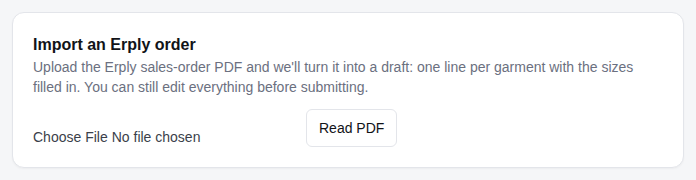
At the top of New order there is Import an Erply order. Choose the PDF and click Read PDF. You'll see the order number, customer, and one line per garment with the sizes filled in.
- 3
Check the preview
Lines whose SKU matches the catalogue are linked to the product and priced. Others are kept as custom garments. Names and numbers in brackets — like (5 x JAMES) (3 x MIKE 7) — are read into the garments.
Tip: Keep the SKU untouched in Erply and put personalisation in brackets at the end of the description, one bracket per name.
- 4
Create the draft
Click Create draft. The client is created if it's new, the Erply order number becomes the reference, and the PDF is attached. Review the lines, then submit.
Questions we get
A line says 'Check: brackets name more garments than the quantity'.
The names in brackets add up to more than the line quantity. The draft is created anyway — fix the names or the quantity on the order page before submitting.
Still stuck? Email admin@novagear.au with the order number and what you were trying to do.