
2 min · 4 steps
Reordering approved artwork
Repeat a previous order without re-entering everything.
- 1
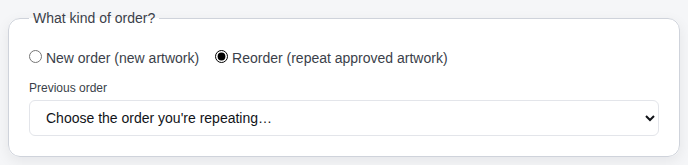
Choose Reorder on the new-order form
Pick Reorder (repeat approved artwork). The list shows your previous orders that have a proof or mockup.
- 2
Pick the order and the artwork
Select the order you're repeating, then the proof or mockup version. The client is filled in automatically.
- 3
Copy the garments (or not)
Leave Copy the garments, sizes and names ticked to start from the previous order's lines — edit them on the next page. Untick it to start with an empty order that still points at the approved artwork.
- 4
Submit as usual
The order shows a Reorder of NG-xxxx banner so everyone knows which artwork to use. Nova Gear may still send a proof if anything changed.
Still stuck? Email admin@novagear.au with the order number and what you were trying to do.