
Sizes, names and numbers
Quantity per size for plain garments; a row per player when there are names or numbers.
- 1
Plain garments: quantity per size
Leave the names and numbers boxes unticked. You'll see a grid of sizes — type how many of each. The total updates as you go and becomes the line quantity.
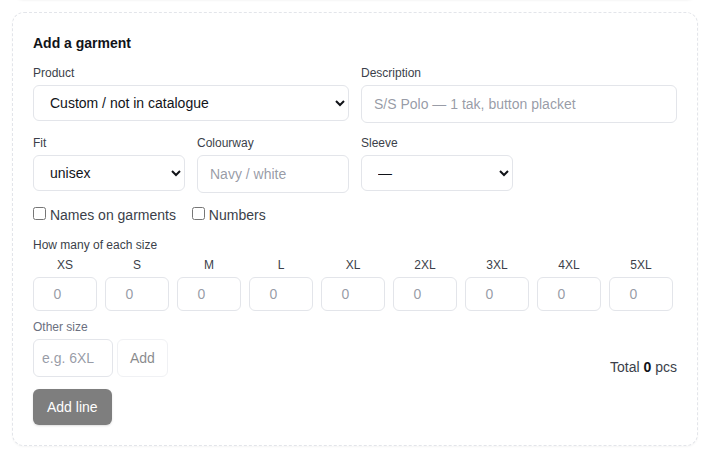
- 2
Names or numbers: one row per garment
Tick Names on garments and/or Numbers, enter the total quantity and a default size, then add the line. Each garment gets its own row where you set the size, name and number. Click Save names & sizes when done.
- 3
Which sizes are offered
For catalogue products the sizes follow the garment and the fit: mens/unisex XS–8XL, ladies 6–30, kids 2–16. Choose the fit first and the grid updates. Custom garments show a standard run; use Other size for anything else.
- 4
Changing sizes later
While the order is a draft you can edit any line: change quantities in the grid, or the size on any row, and save. After submitting, ask Nova Gear in the comments.
Still stuck? Email admin@novagear.au with the order number and what you were trying to do.