
Files, proofs and approvals
What to attach, and how proof approval works.
- 1
Attach what you have
Order forms, logos, reference photos, previous artwork — anything that helps. Choose the file type (order form, Erply PDF, other) and click Upload.
- 2
Wait for the proof
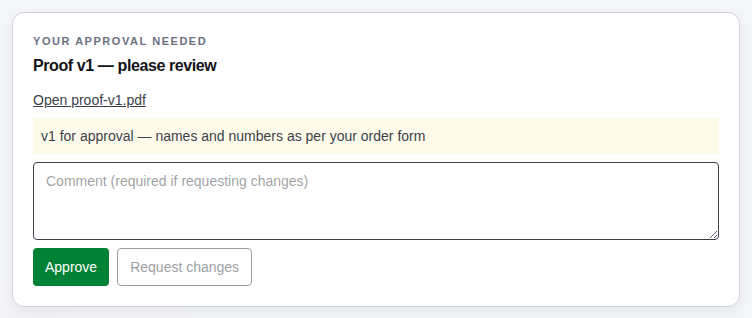
Nova Gear prepares the artwork and uploads a proof. You get an email, and the order shows Proof pending with a highlighted Your approval needed panel.
- 3
Approve or request changes
Open the proof file, check names, numbers, colours and sizes carefully. Click Approve to send it to production, or Request changes with a note about what needs fixing. Nova Gear will upload a new version.
- 4
Versions are kept
Every proof version stays on the order under Proof history, with who approved it and when.
Questions we get
I approved by mistake.
Post a comment on the order straight away. If production hasn't started, Nova Gear can pull it back.
Still stuck? Email admin@novagear.au with the order number and what you were trying to do.